


Four updates this month, each built to give you more control with less manual work. CTR Guard now builds ads from trend strategies and shows you which approach actually pulls clicks. Engagement metrics now power rule-based optimization, and the dashboard keeps an eye on your Pixel for you. And if you manage several accounts, whether you’re an agency or an advertiser running multiple brands or offers, the Agency Dashboard gets three ready-made reports, plus custom ones you can save. On top of that, you can now write your own CTA text for your creatives. Here’s the rundown.
| Update | What you get | Where to find it |
|---|---|---|
| Trend strategies in CTR Guard | Fresh, category-specific visuals and strategy-level CTR data | CTR Guard panel, Generation Strategies |
| Engagement metrics in RBO | Rules built on Time on Site, CPV, Landing Rate, Visits, and Rich Media KPIs | Source Optimization rules |
| Pixel tracking notifications | Automatic Pixel status alerts with a one-click route to Tracking settings | Dashboard notification, Tracking settings |
| Agency Dashboard reports | Client spend, top-ups and transfers, daily client stats, custom reports | Agency Dashboard |
| Custom CTAs | Your own CTA text for creatives, in any language | Creative setup |
What are trend strategies in CTR Guard?
Trend strategies are a new type of generation strategy in CTR Guard. Instead of generic visuals, they build ads around a visual trend that fits a specific category. Three are live at launch, each tied to its own set of categories. CTR Guard already spots creative burnout and generates replacements. Now you decide how those replacements are built.
| Trend strategy | Categories |
|---|---|
| Capsules between fingers | Brain Booster, Cancer, Blood Disorders, Diabetes, Eye and Vision Conditions, Hemorrhoid, Papilloma, Prostatitis, Psoriasis, Sleep Disorders, Varicosis, Ear, Nose and Throat Conditions, Infectious Diseases |
| Colorful powders | Weight Loss, Digestive Disorders, Endocrine and Metabolic System, Foot Health, Skin and Dermatology, Bone and Joint Condition, Women’s Health, Alternative Medicine |
| Couples in pink and navy | Sexual Health |
What else changed in CTR Guard?
You’re no longer limited to automatic generation. In the CTR Guard panel you can now:
- Generate ads with trend strategies manually
- Filter ads by generation strategy
- See which strategy was used for each ad
- Check system-wide Avg. CTR and Active Usage for every strategy
What’s new in engagement metrics?
Engagement metrics now do more than sit in your reports. They can drive your optimization rules, and the dashboard keeps an eye on your Pixel for you. One goal behind both: let what users do after the click shape how your campaigns spend, not just the click itself.
How does rule-based optimization (RBO) use engagement data?
Rule-based optimization (RBO) in Source Optimization now works with engagement and Rich Media metrics. You can build rules around time on site or landing rate, not only CTR and conversions. Cut sources that bring clicks but no real visits, and push bids where users actually stay.
Source Optimization now supports:
- Time on Site
- CPV
- Landing Rate
- Visits
- ETR
- Engagement
- Actions
- Impressions as activation threshold
| Metric group | Metrics | Available in |
|---|---|---|
| Engagement metrics | Time on Site, CPV, Landing Rate, Visits | Applicable Auto-blocking, Auto-bidding, and Fixed-bid rules |
| Rich Media KPIs | ETR, Engagement, Actions | Rich Media Auto-blocking |
Rules also get minimum threshold values for activation. A rule waits until a source has enough data before it blocks anything, so promising sources get a fair test. Your existing rules stay exactly as they are. Sources without data for the selected metric are skipped and left unchanged.
How do Pixel tracking notifications work?
Pixel tracking notifications are dashboard alerts that keep you posted on your Pixel status. If an active campaign gets clicks but no time-on-site data for 24 hours or more, you’ll see a notification with the campaign ID and a Review campaign button. One click takes you straight to Tracking settings, where the Pixel status is shown.
Small update, very handy, and a perfect match for the RBO update. Engagement-based rules and campaign optimization both run on Pixel data, so the more consistently it flows, the smarter your campaigns get. Now you don’t have to check tracking manually: the dashboard does it for you and points you to the right setting in one click.
Haven’t set up engagement metrics yet? The September product digest covers the toggle and Pixel setup in campaign creation.
What reports are new in the Agency Dashboard?
The Agency Dashboard now has three built-in reports for tracking money across every account you manage. They cover spend, wallet movements, and daily activity, so you don’t have to stitch account data together by hand. They’re built for agencies running client accounts and for advertisers managing multiple accounts of their own. Either way, month-end reconciliation gets a lot faster.
| Report | What it shows | Use it for |
|---|---|---|
| Client spend | Each client’s total spend for the selected period | Billing and spend reviews per client |
| Client top-ups and transfers | Client top-ups and transfers from the agency to client wallets | Tracking where your budget went |
| Daily client statistics | Daily transfers, income, spending, and refunds across all clients | Spotting daily changes across the whole book |
A few things that make them practical:
- Pick any period up to 365 days
- Export the data for your own analysis
- Build your own report by choosing the dimensions you need, then save it as a custom report and reopen it whenever you want
How do custom CTAs work?
Custom CTAs let you write your own call-to-action text for your creatives instead of picking from a preset list. Match the CTA to your offer, your GEO’s language, and your teaser’s angle. The right button text can be the difference between a scroll and a click.
A few validation rules apply when you create or edit a custom CTA:
- Length: 3 to 30 characters
- Letters in any language and spaces are allowed. Numbers work when combined with letters
- Allowed punctuation:
? ! . , ʼ - " " { } [ ] & # @ / \ ; + : - Punctuation can go at the beginning, middle, or end. The same mark can repeat, but no more than twice in a row
- CTAs made only of numbers or punctuation aren’t allowed. Other special characters, emojis, and macros are off the table too
Write it, test it, keep the one that converts.
Where did the Adskeeper team go in September?
September was a big month on the road. Five events, four countries, two continents:
- SiGMA North AmericaMexico City
- Affiliate World AmericasCancun
- AW SummitBucharest
- TES Affiliate ConferencePrague
- SBC SummitLisbon
Lots of meetings, lots of coffee, and one quite amazing party in Lisbon! Thanks to everyone who stopped by. Partnerships beyond dashboards and metrics: that’s what we fly for.
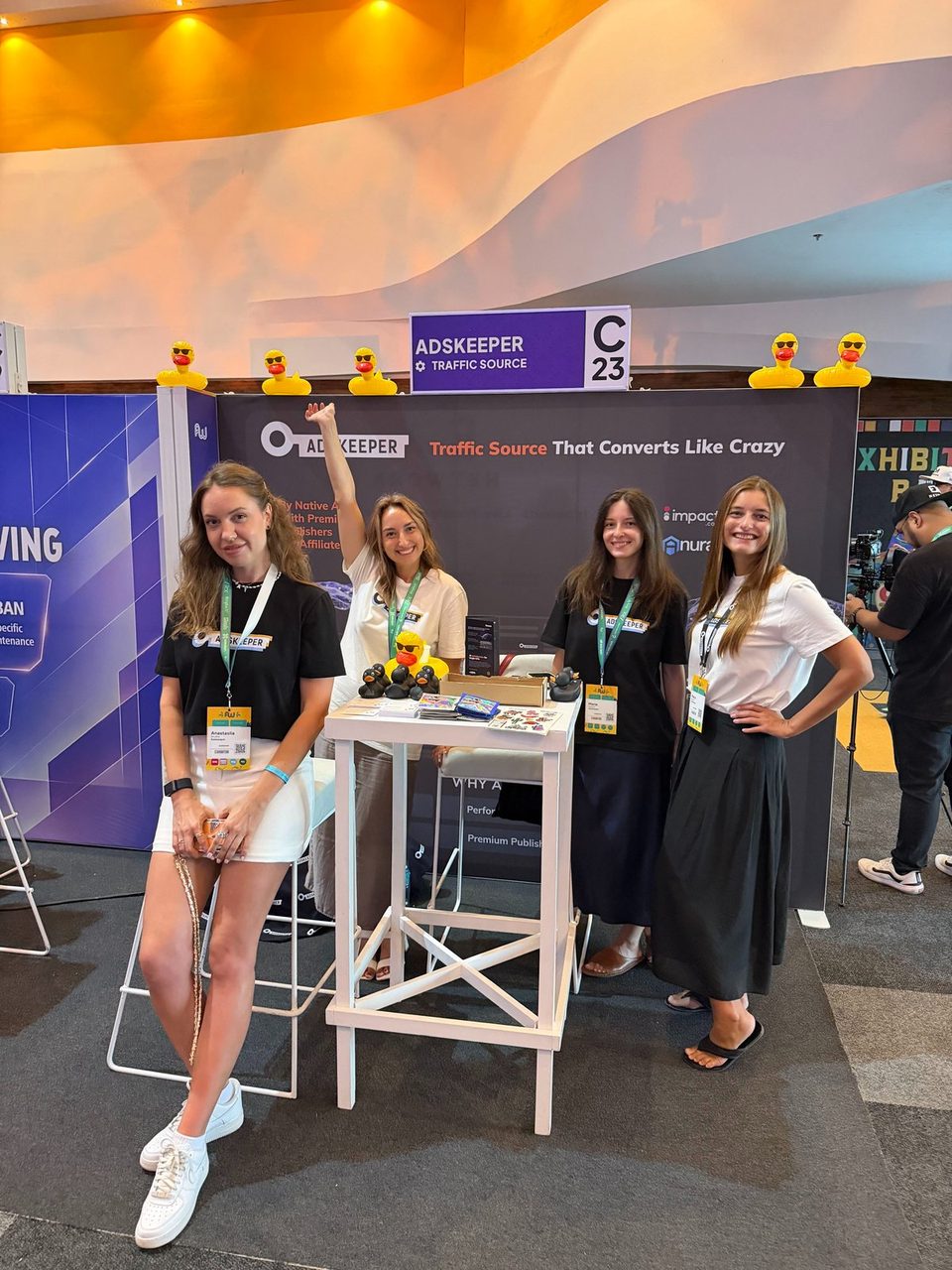
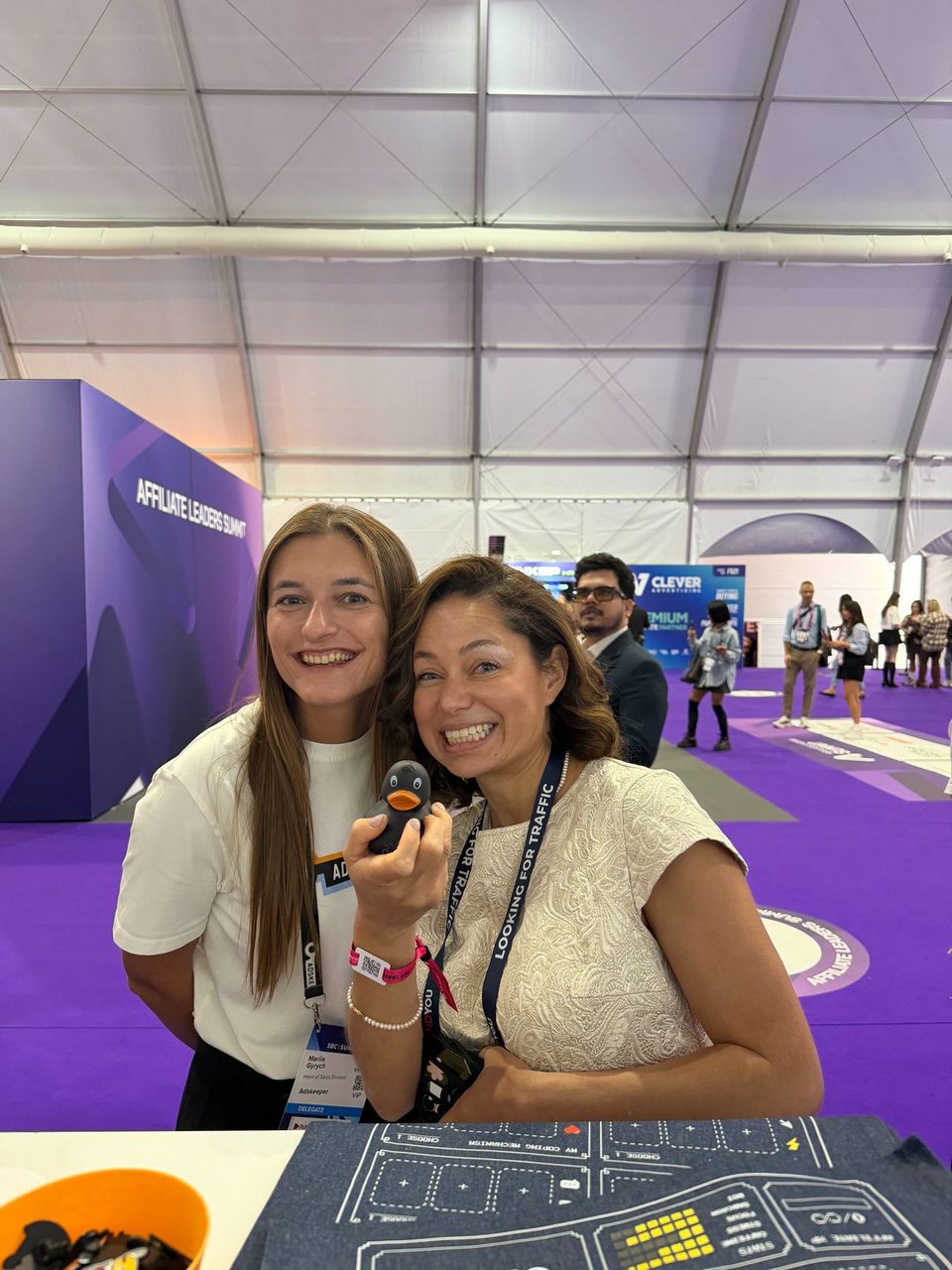
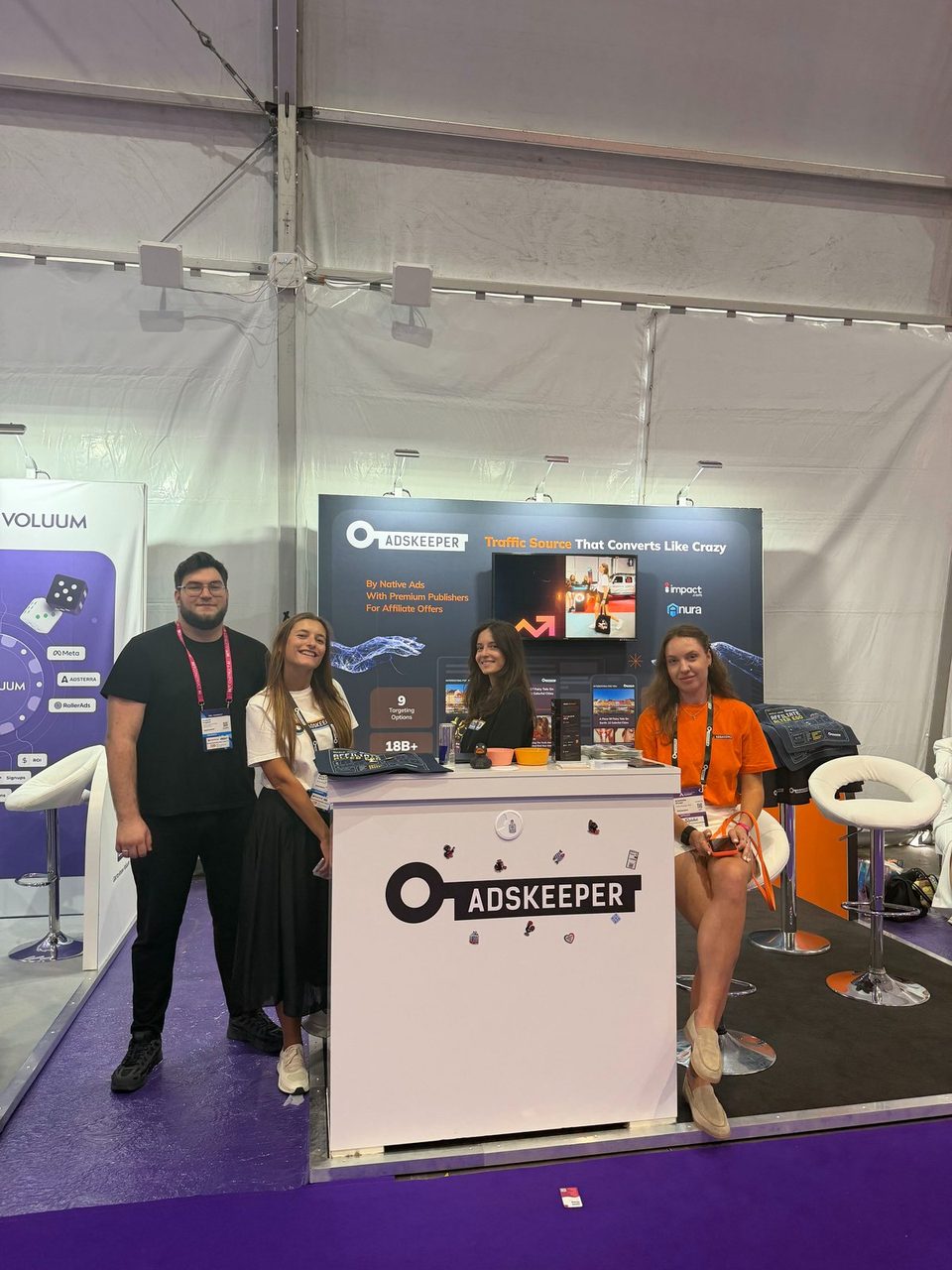


Missed us this time? DM us or ping your account manager to set up a meeting at the next one.
FAQ
Do I need to set anything up to use trend strategies?
Can I see which strategy generated a specific ad?
When does the Pixel notification appear?
Which RBO rules support engagement metrics?
Will the RBO update change my existing rules?
What happens to sources with no data for the selected metric?
How far back can Agency Dashboard reports go?
Can I export Agency Dashboard reports?
Can I save my own report setup?
Can I write a custom CTA in any language?
Ready to try the new strategies or check your client numbers?
Open your dashboard


